Big Potato #1, print mini-comic
Chicago is the Big Potato… right?
Big Potato #1: From the Gravy-Slicked Streets
Here is the BIG GRAPHICS version
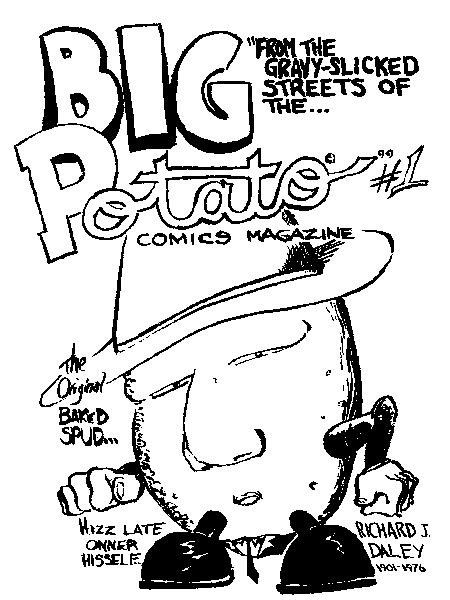 PRINT THIS PAGE FOR YOUR OWN BIG POTATO #1 MINI-COMIC
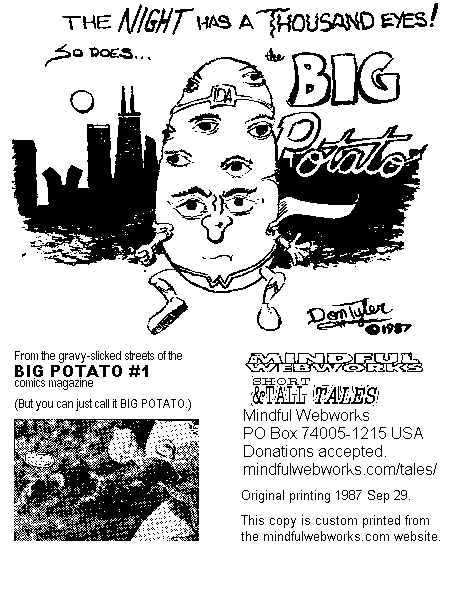
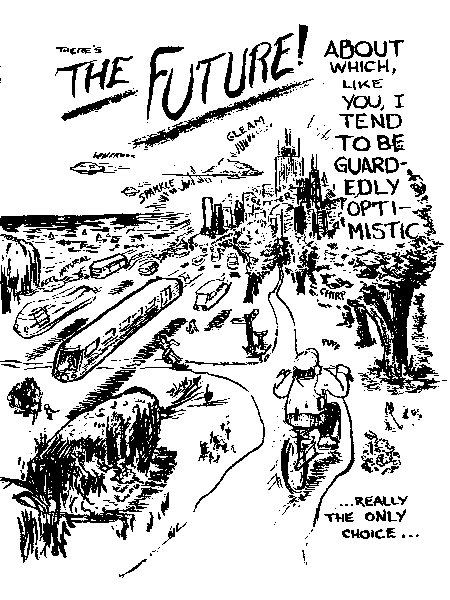
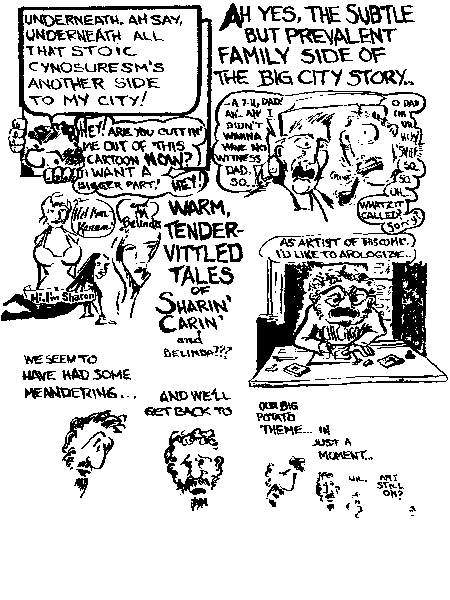
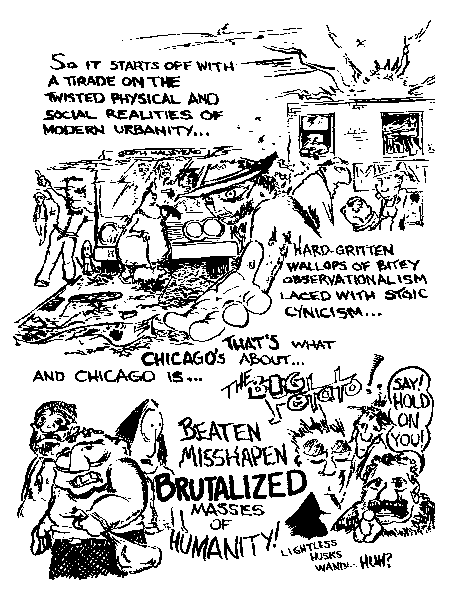
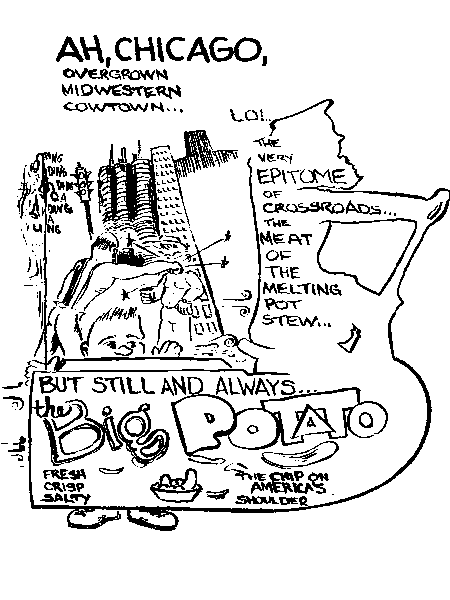



Chicago is the Big Potato… right?
Here is the BIG GRAPHICS version
PRINT THIS PAGE FOR YOUR OWN BIG POTATO #1 MINI-COMIC
Pages will be printed on both sides It's a good idea to use heavy-weight paper (24# or better) so the ink won't show through.
Once printed, cut the pages between the upper and lower pictures, fold, assemble as a booklet (check the page order!), and staple together. (An instrument called a saddle stapler is really handy for this kind of job.) Trim off bottom and outside edges as desired.
1. Print the first side(s).
2. Turn the piece(s) of paper over and re-insert in the printer in the same direction. (The end of the page(s) which came out of the printer first goes back into the printer first.)
3. Print the second side(s).
Results may vary depending on your printer, paper, browser settings, and other unpredictable factors. Mindful Mini-Comics online are formatted to print on an 8½" * 11" paper (USA standard letter), with browser-set printer margins of .2". Other settings may cause the panels not to be positioned correctly on the page. Use your browser's print-preview function to check the layout before printing.
Licensed for private printing only, not to be sold commercially, but if you do sell any, Mindful wants a rightful cut, right? Right.